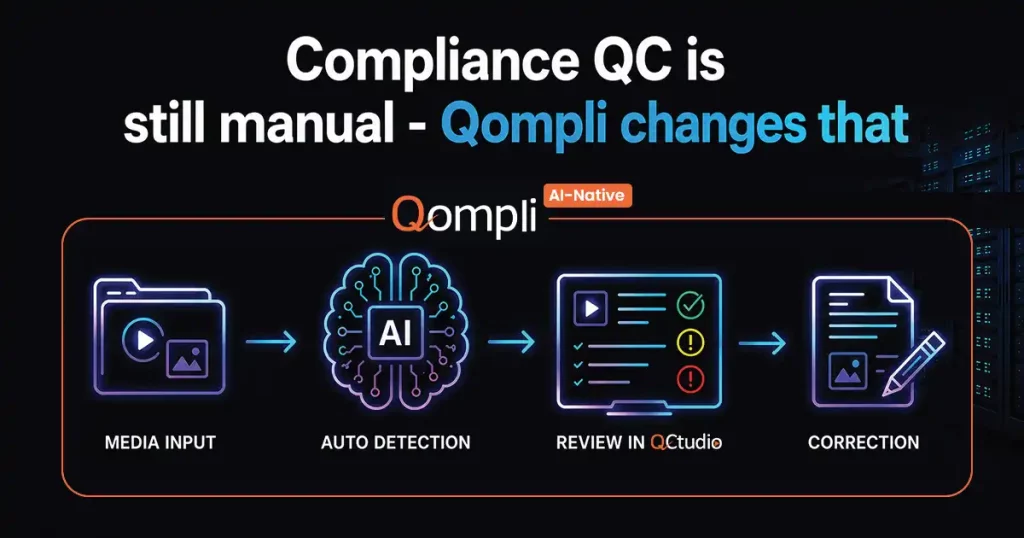
Detect, review and fix have always been separate jobs. Putting them in one place changes the arithmetic.
Read More


Unique usage based, on-premise Audio/Video QC
Boasting the flexibility of a usage based solution and the security of a dedicated on-site system, Pulsar Pay-Per-Use (PPU) makes the advanced QC functions of the acclaimed Pulsar automated file-based QC solution immediately available to facilities of all sizes. This is increasingly important as a growing number of broadcasters and content delivery companies demand that content suppliers of all sizes, big or small, QC all of their content prior to their delivery.
Small production and post-production organizations who need to have access to file-based QC tool but can’t afford to invest in a dedicated license, can now use Pulsar PPU. Pulsar PPU allows such organizations to access Pulsar QC capabilities without any CAPEX. Users can virtually deploy a working QC system within minutes.
Boasting the flexibility of a usage based solution and the security of a dedicated on-site system, Pulsar Pay-Per-Use (PPU) makes the advanced QC functions of the acclaimed Pulsar automated file-based QC solution immediately available to facilities of all sizes. This is increasingly important as a growing number of broadcasters and content delivery companies demand that content suppliers of all sizes, big or small, QC all of their content prior to their delivery.
Small production and post-production organizations who need to have access to file-based QC tool but can’t afford to invest in a dedicated license, can now use Pulsar PPU. Pulsar PPU allows such organizations to access Pulsar QC capabilities without any CAPEX. Users can virtually deploy a working QC system within minutes.

Pulsar allows to perform a wide range of audio, video, container and package checks. You may setup your custom templates with relevant checks for your requirements.

Pulsar is designed for ease of use by operators and doesn’t bog them down with a large number of unnecessary errors. It has an intuitive interface and simple configurable reports with logical grouping of errors.

Pulsar PPU is installed inside your facility with all the analysis functions performed locally. This eliminates any investment in additional network bandwidth and ensures content security.

Pulsar PPU saves you from making huge investments in purchasing a QC tool. You have the flexibility to pay by content hours or a monthly subscription, and thus, align your investments with your revenues.
Pulsar allows to perform a wide range of audio, video, container and package checks. You may setup your custom templates with relevant checks for your requirements.
Pulsar is designed for ease of use by operators and doesn’t bog them down with a large number of unnecessary errors. It has an intuitive interface and simple configurable reports with logical grouping of errors.
Pulsar PPU is installed inside your facility with all the analysis functions performed locally. This eliminates any investment in additional network bandwidth and ensures content security.
Pulsar PPU saves you from making huge investments in purchasing a QC tool. You have the flexibility to pay by content hours or a monthly subscription, and thus, align your investments with your revenues.
Pulsar pay-per-use supports a wide range of checks. Small selection of checks are displayed here. Click here for the detailed list.
Colour Gamut

Active Region

Cadence
Flash Frames
Photosensitive Epilepsy

Language ID

Audio Loudness
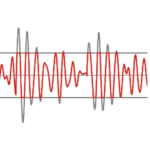
Audio Peaks
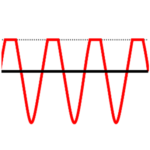
Audio Clipping
EAS
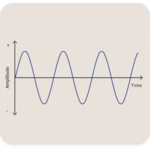
Audio Test Tone
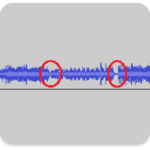
Audio Drops


Verification Unit Cluster: Ability to cluster multiple Verification Units together to process a larger number of files simultaneously.
Controller Plus: Ability to provide automatic fail-over redundancy for the Pulsar Controller.
Media Player: Media player linked with Pulsar reports for visual review.
Audio Language Identification: Auto-identification of audio language from audio media data.
Pulsar supports a wide range of broadcast, archiving and VOD formats. It also allows a wide range of audio, video checks on media content.
Container: MXF, GXF, LXF, MOV, MP4, 3GPP, MPEG-2 TS, MPEG-2 PS, FLV, WMV, AVI, Matrox AVI, WAV, BWF, AIFF, DPX, JP2, TIFF, Smooth Streaming, HLS, MPEG-DASH, IMF, DCP (encrypted and unencrypted), AS-02, AS-11, Elementary
Video: H.265, H.264 (incl. AVC-Intra 50/100 and SONY XAVC), MPEG-2 (incl. D10, XDCAM, HDCAM, IMX-30/50), VC-1, DV (incl. DVCPro25, DVCPro50, DVCPro100/HD), Avid DNxHD (VC-3), Avid DNxHR, Apple ProRes 422 (HQ, SD, LT, Proxy), ProRes 4444, Canopus HQ/HQX, JPEG-2000, Uncompressed (RGB, YUV)
Audio: LPCM, AES3, AC3 (DD), SMPTE 302M, E-AC3 (DD+), MPEG-1/2, AAC, HE-AAC, WMA (Standard & Pro), Dolby-E, Audio stems
HDR: HDR-10, HDR-10+, Dolby Vision
General: Compliance, Factory templates – Netflix, DPP, Amazon Prime, ARD-ZDF, Loudness (R128, CALM, OP-59, ARIB), iTunes & CableLabs
IMF/DCP: CPL based analysis, Package validation, CPL cross checks, CPL checks, PKL cross checks, OPL checks, Assetmap check, IMSC checks, Sidecar checks, Netflix Photon validation
ABR: Playlist cross checks. Segment cross checks, Profile cross checks, Encrypted Packages
Video Parameters: Codec, Video Format, Color space, Chroma Format, Color Matrix, Color Primaries, Transfer Characteristics, Scan Mode, Duration, Frame Rate, Resolution, Display/Pixel Aspect Ratio, GOP Length, GOP Type, Field Order, Frame Sizes, Buffer Size, Bitrate (CBR/VBR), Profile/Level, Entropy Coding, Reference Pictures, MBAFF, Timecode Discontinuity, Timecode frame drop, 2020 Color Space, Progression Order, Wavelet Transform
Video Quality: Black Frames, Blockiness, Brightness, Cadence, Chroma Hits, Chroma Line, Clipping, Colored Frames, Color Bars, Color Gamut, Combing, Credit Roll, Camera Dead Pixels, Dead Pixels, Digital Hits, Field Dominance, Flash Frames, Freeze Frames, Luma/Chroma levels, Half/Full lines, Bar Artefacts, Letter/Pillar Box, Framing Issue, Photosensitive Epilepsy (Harding)(SDR and HDR), Low Video Level, Low Black Level, FBI Warning Card, URL detection, Media Offline, Slate, Postal Stamp
HDR Parameters: HDR Formats, Reporting of HDR10, HDR10+, and Dolby Vision metadata
Static Metadata: Verify (display color primaries, mastering display luminance, content light level)
Dynamic Metadata: Compliance, Validate HDR10+ metadata (MaxSCL, Average Max RGB, Distribution values, Tone mapping information, Targeted system display maximum luminance), Validate Dolby Vision metadata (Metadata version, shot must not contain <0,0,0> in level 1 metadata, Detect duplicate dynamic metadata, Crosscheck canvas aspect ratio, Crosscheck Video track information, Crosscheck (Calculated/metadata) Image aspect ratio
Audio: Audio Codec, Sampling Frequency, Quantization Bits, Channels, Bitrate (CBR/VBR), Drops, Silence, Mute, Test Tones, Loudness (R128, CALM, AGCOM, ARIB, Speech Gated), Loudness Range, Dialnorm, Sample Peak (DBFS, PPM), True Peak, Dual Mono, Clipping, EAS tone, Phase Mismatch, Language ID, Mosquito Tone, Quasi Peak
Container: Conformance, Format, File Size, Media Info metadata dump, File name validation, MD5, SHA1 Hash, No of streams, Incorrect extension, Selective track analysis
MXF: AS-11 descriptive metadata, Version, Operational pattern, Timecode presence/track count/mode/start value/source, Index table presence/location/completeness/correctness, Origin parameters, KLV alignment grid/fill elements, Partitions validity/Status/Completeness/Instance count/Index table presence/Essence presence/Max length, Essence wrapping/external check/referencing/partition strategy, Audio track numbers/element size/channel count/configurations, Descriptive metadata presence/scheme, Run-in sequence, Random index pack, Segmentation track, File package count, Index edit rate, Index duration, Audio/Video sample rate, Audio/Video stream type, Audio/Video edit rate, Video line map, Stored width, Stored height, Display width, Display height, Aspect ratio, Component depth, Horizontal sub-sampling, Vertical sub-sampling, System item presence, Block Align, Channel status mode, Fixed channel status data, Stored F2 offset, Display F2 offset, Sampled X/Y offset, Display X/Y offset, Identical GOP indicator, Edit unit byte count, Slice count, Dark metadata, Timecode frame drop, Audio locked/unlocked status, Audio ref level, Sampling rate, Quantization bits, Average bytes per second, Index start position, Single index location, Single essence location, Forward index direction, Image start/end offset, Color siting, Padding bits, Black ref level, White ref level, Color range, Constant B picture flag, Single sequence, Low delay
Transport Streams: SCTE35, Program count, PCR Jitter, Packet Length, PID Usage, PIDs, PID Bitrate, Packet Intervals, PAT checks, PMT checks, Stream checks, PES checks, Language Metadata Verification
QuickTime: Checks and correction for PASP, FIEL, GAMA, CLAP, COLR. Channel Configuration, Track properties, Movie properties, Language Metadata Verification, Check disabled tracks, Check multiple codec entries, Check Timecode properties
Cross Checks:
Video-Container: Width, Height, Frame rate, Aspect ratio, Bitrate, Profile/Level, Scan mode, Field order, Chroma format, GOP type, GOP length, B-pictures, Low delay, Duration, Component depth
Audio-Container: Sampling frequency, Bit depth, Channels, Bitrate, Duration
Audio-Video: Duration in meta-data, Actual duration
Correction: Loudness correction for PCM and MPEG -1 L2 audio, QuickTime meta-data
Meta data: Closed Captions (608/708) presence/conformance/format/location, Line 21 VBI Caption Decode, AFD, Bar, V-Chip, Teletext
Reference-based Analysis: Ref-Q, SSIM, PSNR
Standard QC: Up to HD (1080 i/p) – $15 per content hour ($0.25 per minute)*
Standard QC: Above HD – $21 per content hour ($0.35 per minute)*
Loudness correction – $1.5 per content hour ($0.025 per minute)
JPEG-2000 processing – $3 per content hour ($0.05 per minute)
Harding PSE (SDR) – $1.5 per content minute**
Harding PSE (HDR) – $2 per content minute**
Charged on the basis of actual content duration
Standard QC: $500 per 30 days
Loudness correction: $90 per 30 days
JPEG-2000 processing: $100 per 30 days
Charged for unlimited 30 days usage on ONE system
Harding PSE (SDR) – $1.5 per content minute***
Harding PSE (HDR) – $2 per content minute***
* A minimum of $3 will be charged for every file on which Standard QC is performed
** A minimum of $9 will be charged for every file that is analyzed for Harding PSE (which does include Standard QC as well)
***A minimum of $6 for Harding PSE will be charged for every file analyzed
We will need a generic corporate email address to register you on the PPU portal which you will use to login into the system. Once we register the email address, you will receive a signup email to complete your registration.
Once the registration is completed, you can download the Pulsar installer from the PPU portal and install it on your system.
With Pulsar PPU, you no longer need to make an upfront investment in purchasing a QC tool. You can pay based on your usage. This is usually better if your content volume is low. For more details on the pricing, click here
Pulsar PPU is installed locally in the user’s facility and all QC is performed locally. No content upload is needed but an internet connection is required for accounting.
Yes, Pulsar PPU needs internet connectivity to monitor the usage and manage the credits.
Yes, account management is available in PPU. You can add multiple operator accounts under your main account and can assign them a monthly subscription plan or usage-based plan.
We have a policy that a user needs to add a minimum of $100 in a period of six months to keep your account active. Unused credits get added to newly added credits.
Below are the two options available:
Check here for detailed pricing options.
You can add money to your account on the PPU portal in two ways:
Yes, we can provide Demo credits to help you set up templates and test files. Beyond this, you can add credits to your account and continue using Pulsar PPU.
Pulsar PPU is a Windows-based system. However, you can use a Windows emulator such as “Parallel” on top of your Mac systems to use Pulsar PPU.
We provide ready-to-use templates of technical specifications required by these prominent content platforms, which can be used by you for the specific channel you want to display your content.















Venera serves some of the finest companies of the world in helping improve their content QC operations. Here’s a snapshot of the brands who trust us.












































Our experts and thought leaders share their knowledge of technologies pertaining to QC solutions for digital media industry in these scholarly articles.
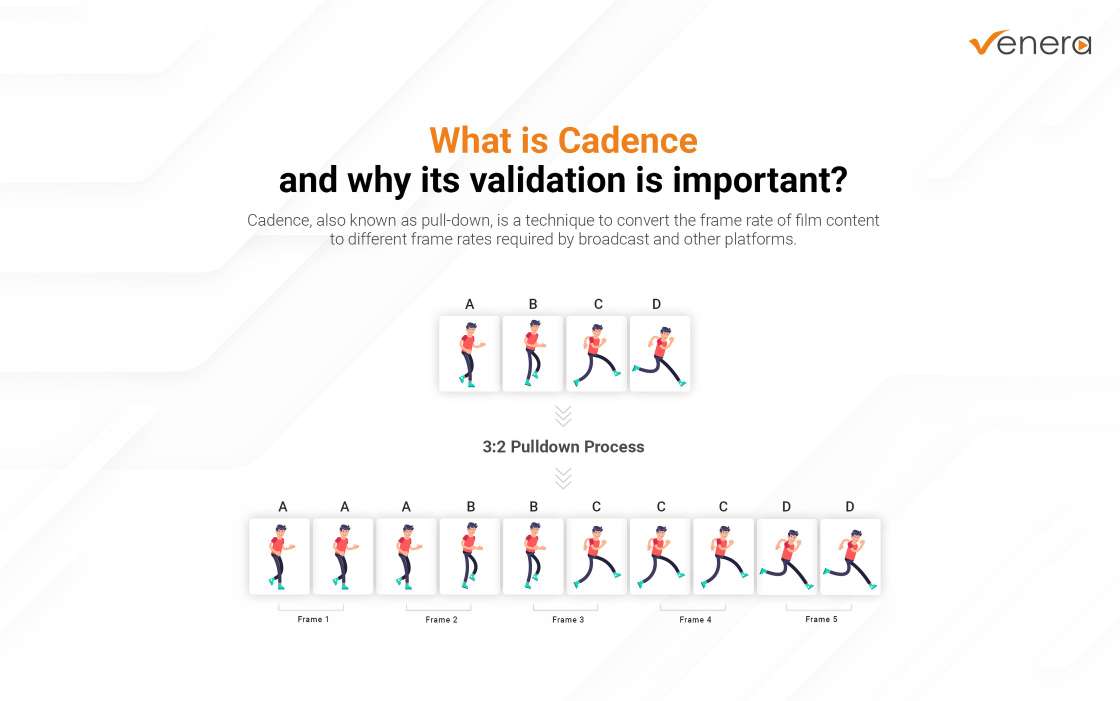
What is Cadence and why its validation is important?
Feb 14, 2024
Understanding video cadence (or pull-down) in the broadcast industry can be challenging. In this blog article, we will explain what Cadence (or Pull-down) is along with its practical application, and different pull-down patterns.
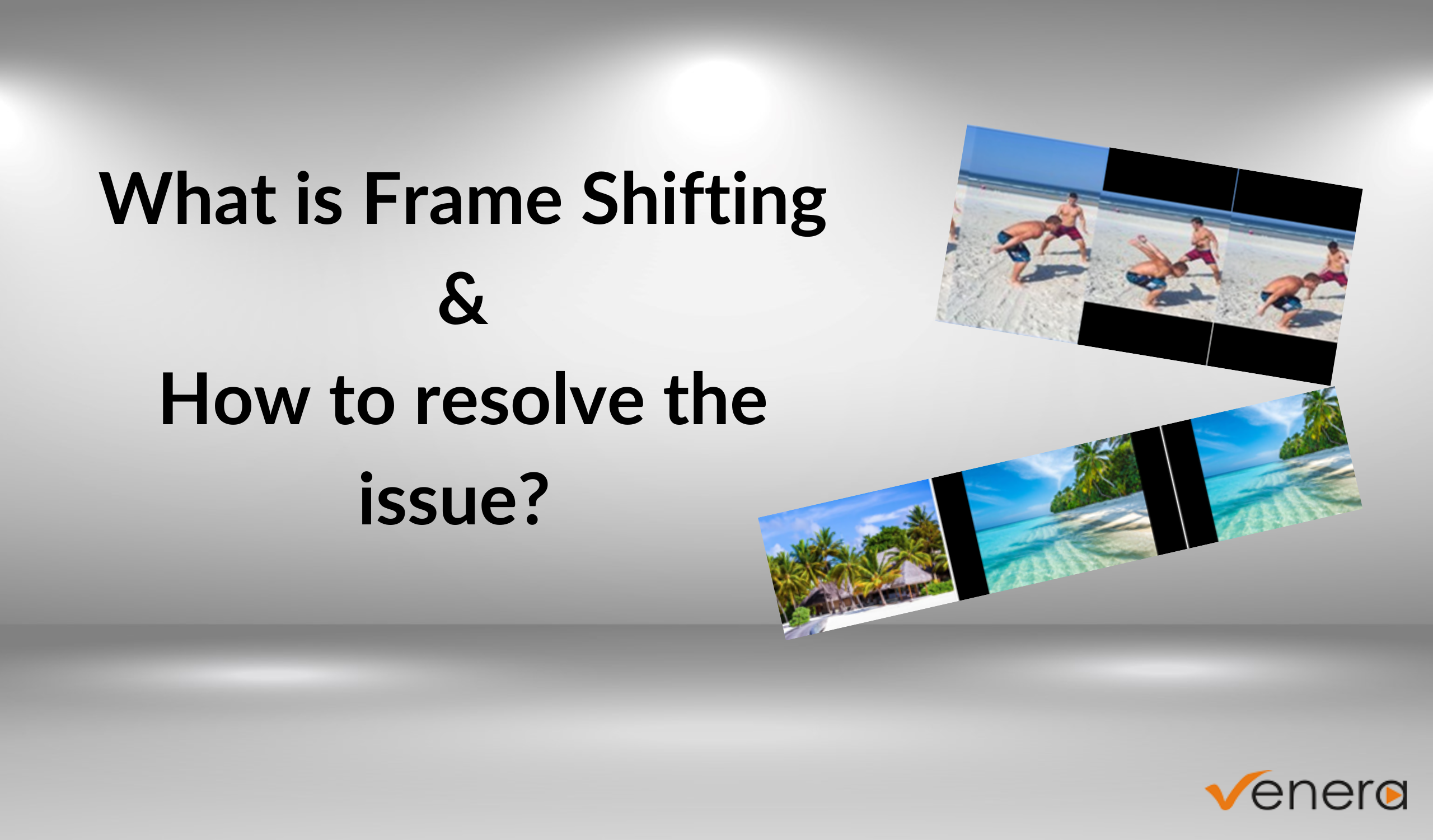
Frame Shifting or Blanking Shift Issue Unveiled
Dec 13, 2023
What is frame shifting, it's impact on video quality, and how to overcome the challenge effectively with automated QC tools?
Understanding Dolby Atmos and its QC challenges
Aug 10, 2023
Dolby Atmos is a revolutionary leap in surround sound technology that takes the audio experience to a whole new level. Learn more about it.
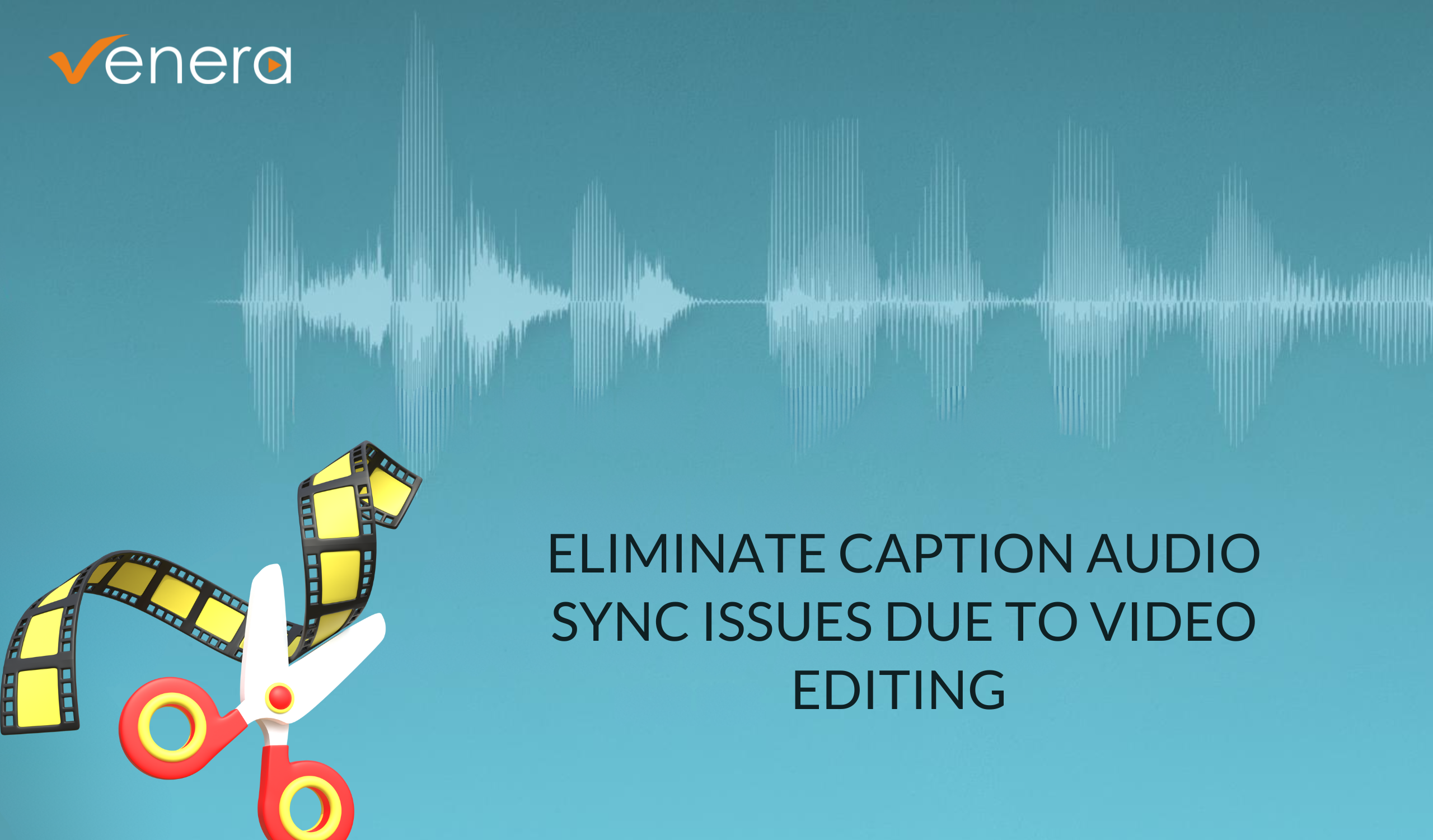
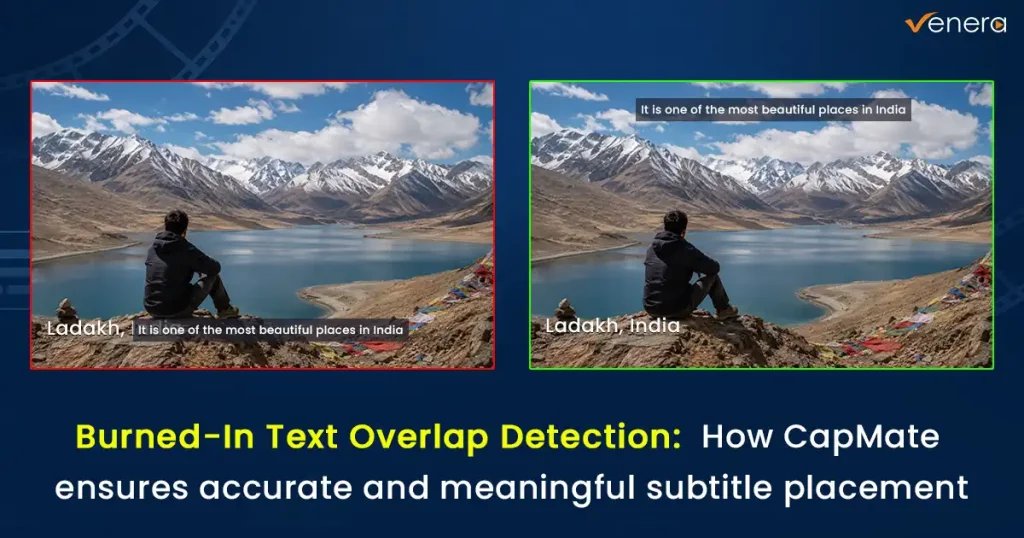
Caption-Audio Synchronization issues due to editing: Automated QC and alignment
Nov 1, 2023
By leveraging automated QC tools, content creators can ensure precise caption-audio synchronization, and save time and resources while delivering high-quality, synchronized captions for their videos.
Importance of QC in Audio Phase issues
Aug 29, 2023
Audio phase plays a pivotal role in sound reproduction. Understand the causes of audio phase issues and their QC solution.
What is Cadence and why its validation is important?
Feb 14, 2024
Understanding video cadence (or pull-down) in the broadcast industry can be challenging. In this blog article, we will explain what Cadence (or Pull-down) is along with its practical application, and different pull-down patterns.
Frame shifting or Blanking shift issue unveiled
Dec 13, 2023
What is frame shifting, it's impact on video quality, and how to overcome the challenge effectively with automated QC tools?
Caption-Audio Synchronization issues due to editing: Automated QC & alignment
Nov 1, 2023
Learn why caption-audio synchronization is important and how to deliver high-quality synchronized captions in your video using automated QC tools
Importance of QC of Audio Phase Issues
Aug 29, 2023
Audio phase is a complex and intricate phenomenon that plays a pivotal role in sound reproduction. Understand the causes of audio phase issues and its solution
Understanding Dolby Atmos and its QC challenges
Aug 10, 2023
Learn about the revolutionary technology of Dolby Atmos that takes your sound experience to a new level.
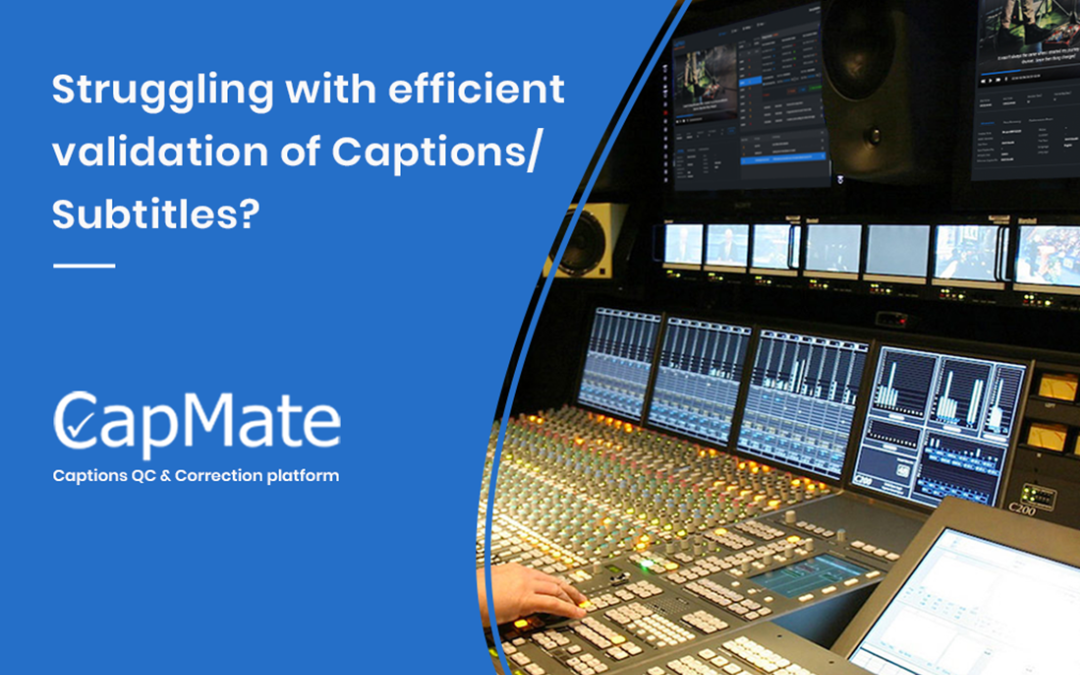
CapMate 101 – Caption/Subtitle Files Verification and Correction Solution
Aug 4, 2022
Many of our customers had been telling us that the process of validating and correcting closed caption files is tedious, time consuming and costly! And that they needed an innovative QC solution...
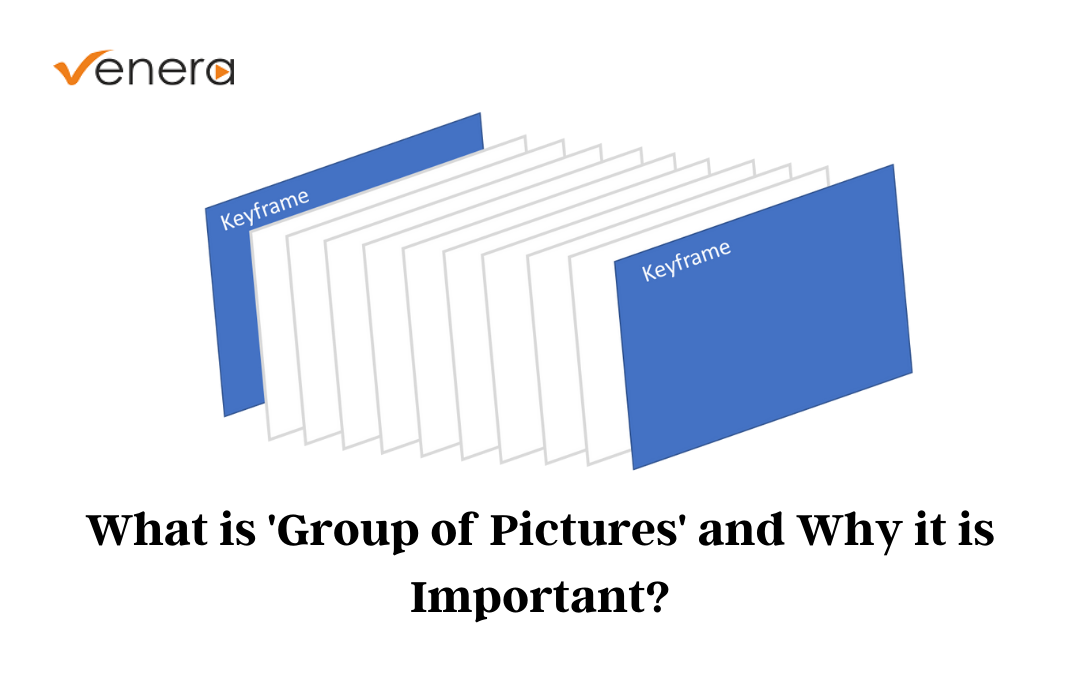
Understanding GOP – What is “Group Of Pictures” and Why is it Important
May 4, 2022
GOP or “Group of Pictures” is a term that refers to the video structure representing how digital video is grouped. But before we get into understanding GOP, let’s start with the basics...
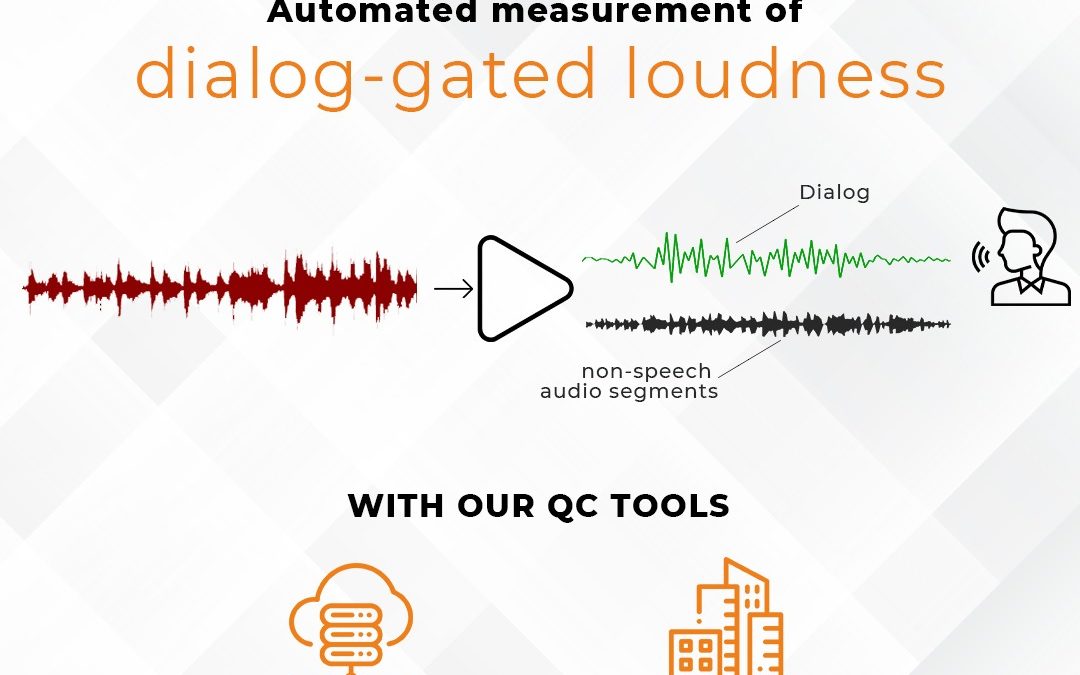
Dialog-gated Audio loudness and why it is important
Apr 13, 2022
Learn what is dialog gated loudness, it’s importance in video content, and how our QC products can help you detect it in an automated manner...
In their own words: leading media companies on working with Venera
Product support and aftercare from Venera has been exceptional. In addition to supporting our specific needs, they ensured almost zero downtime even during product upgrades.

Venera and its products are in line with our requirements. By using Quasar Native Cloud QC system in our content workflows, we have been able to automate a large part of manual QC and it has significantly improved the operational efficiency of our workflow.

Pulsar is an important addition to our infrastructure and will help us obtain higher operational efficiencies from our content workflows. We looked at major QC players in the market and selected Pulsar because of its high performance and accuracy of results. As Public Broadcaster, we verify new material coming daily from production and will use Pulsar for that but even more important role of Pulsar would be to keep an eye on large volumes of old archive material being mass-digitized from analogue tapes with its QC reports

Given our positive experience with our initial Pulsar installation in improving the quality of the content in our file-based workflow, as well as Venera’s ongoing support and responsiveness to our requests since our first Pulsar installation in 2013, we chose to expand our QC operations with additional Pulsar systems, which we have found provide us the best value and ROI.

After seeing a demo of CapMate™ for the first time, we immediately saw value in the platform. By integrating CapMate™’s powerful features into our automated workflow, we’ve been enabled to process files at lightning speed, drastically reducing the manual effort needed to verify our partner’s caption files.

It would be our pleasure to connect with you and understand your needs better. Please fill this form and we will contact you within one business day.